
If you are wondering how much does it cost to start an online business, the honest answer is less than most people fear, but not nothing. You will pay for a few small, necessary things. You will also be tempted by a long list of things that feel necessary and are not.
Before going further, a disclosure. This site promotes Wealthy Affiliate, and I earn a referral commission if you join through my link. That commission is recurring for as long as a referral stays subscribed. It is why Wealthy Affiliate has its own section near the end of this article, and why I have kept it to the end, after the budgeting advice that applies whatever you choose. You can read more on the affiliate disclosure page.
Prices change, so this article quotes none. Where a number matters, I will tell you where to look it up yourself.
The honest answer: it costs less than you fear, but not nothing
Online businesses have no rent, no stock to buy and no shop fittings. The core of a beginner’s setup is a website, and a website needs an address and a place to live. Those two things are the real, unavoidable costs, and both are small compared with opening a physical business.
The “not nothing” part has two sides. One is money: a domain name, hosting or a platform that includes it, and possibly a membership for training. The other is time, which most budgets ignore. A beginner who spends no money but also never finishes anything has not saved anything.
The fear of spending money before you know it will work is reasonable. The way to handle it is to spend money in the right order, so that nothing you buy early locks you in or goes to waste if you change direction. That is what the three buckets below are for.
The three buckets: needed now, needed later, safe to skip
Every startup expense fits one of three buckets. Sorting before you spend is the whole method.
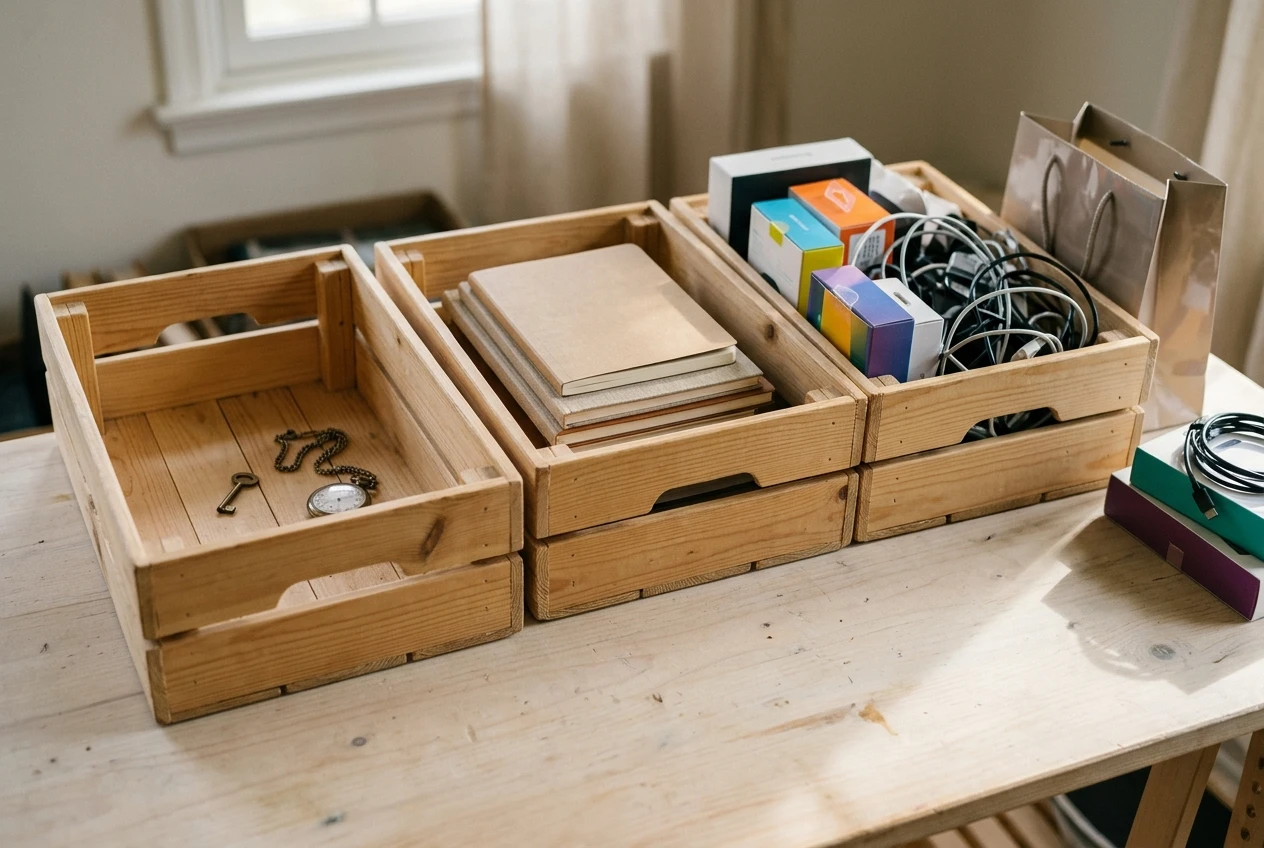
- Needed now: things you cannot start without. If you do not have them, you cannot publish anything.
- Needed later: things that become useful once you have something to improve, such as readers, content or a first bit of income.
- Safe to skip: things that sound impressive and solve problems you do not have yet. Some of these you will never need.
To decide which bucket an item belongs in, ask one question: “Could I publish my first article without this?” If yes, it is not in the first bucket. If publishing is possible and the item only makes it faster or prettier, it belongs in the second or third.
Beginners most often go wrong by putting later and skip items into the first bucket. They buy a premium theme before they have chosen a niche, or a keyword research subscription before they have written a single post. Each purchase is small, but together they make the start feel expensive and, more importantly, they make quitting feel like a loss.
What you really need on day one
The first bucket is short.
A domain name
This is your site’s address, the thing people type to find you. A domain is normally paid for on a yearly basis, and registrars price them differently, so compare current prices at the registrar you are considering rather than relying on a figure from an article. Choose a name you can say out loud, spell easily and live with if your focus shifts slightly. Very narrow names can box you in later.
Hosting, or a platform that includes it
Hosting is the computer that stores your site and serves it to visitors. You can buy it separately, which means you handle the setup, or use a platform that bundles it with the tools to build the site. Either route works. The difference is how many separate bills and logins you manage, and how much technical setup you do yourself. If you would like a fuller picture of what building a first site involves without paying for outside help, you can build a website without hiring an agency, and the steps are more manageable than they look.
Your time
A site that gets built in short, regular sessions is worth far more than one with a perfect plan and no pages. Time goes in the first bucket because it is the only item on this list you cannot get back, and the only one with no refund policy of any kind.
That is the whole list. A domain, a place to host the site, and time to work on it. Everything else has to earn its way in.
Tools and courses that feel urgent but can wait
Once you start searching, you will see dozens of tools described as essential. Here are the usual suspects, and why most can wait.

- Premium themes and page builders. A free theme is enough to publish and look clean. A paid design only helps once you have content worth showing off.
- Keyword research subscriptions. Useful when you are publishing regularly and need to choose topics at volume. Before that, you can find topics by thinking about the questions your reader asks. If you want to understand what search engines are looking for, the SEO basics for beginners cost nothing to read.
- Email marketing software. Collecting email addresses matters eventually, but a list of zero people does not need a paid system. You can add one when visitors start arriving.
- Paid advertising. Ads send traffic quickly, and they spend your money quickly too. With a new site that has no clear offer and no data, ads usually teach you an expensive lesson. There are ways to get your first visitors without paying for ads.
- Link tracking and analytics add-ons. Free options exist, and you can see which affiliate links get clicked without paying for a tool.
- Extra courses. Buying a second or third course before you have applied the first is a common way to feel productive while delaying the real work.
A useful test for any tool: write down the specific task it will do for you this week. If you cannot name one, move it to “needed later” and revisit in a month. Often you will find you have forgotten about it, which is a fair sign it was never urgent.
The cost nobody lists: your hours, and how to protect them
Most “startup costs” articles stop at the money. Your hours are the larger expense for nearly every beginner, and they are easier to waste than dollars.
Here is where hours tend to leak:

- Tool hopping. Trying a new app, theme or plugin every few days resets your learning each time.
- Perfecting before publishing. Rewriting the same About page for a week feels like progress but produces nothing a reader can see.
- Researching without deciding. Comparing options is useful until you have enough information, then it becomes a way to avoid committing.
- Irregular sessions. Two hours on a Sunday and nothing else tends to leave you re-learning where you stopped.
You can protect your hours without a complicated system. Pick a fixed block of time, even a short one, and give it a single output: one article drafted, one page set up, one post scheduled. End each session by writing down the next task, so the following session starts without a warm-up.
Progress in the early months can feel slow. Short regular sessions beat heroic occasional ones, and there is more on this in why your online business feels slow in the first months. When you count your real budget, put a realistic number of weekly hours next to your money figure. Both limits matter.
How to build your own starting budget in four questions
You can finish this in one sitting with a pen and a page. Answer these four questions in order.
1. What is the least I need to publish my first article? List only the first-bucket items: a domain, hosting or a platform that includes it, and time. Look up the current price of each from the provider’s own pricing page and write it down with the date you checked. Prices you read in blog posts, including this one, can be out of date.
2. What can I try for free before I pay for it? For each other item you are tempted to buy, check whether a free version or free trial covers your needs for the first month. Use the free option first and upgrade only when you hit a specific limit you can describe.
3. How many hours a week can I protect? Be honest and conservative. A number you can keep is better than an ambitious one you drop in week two. Write it beside your money total.
4. What is the most I am comfortable losing if this does not work out? This sets your ceiling. Pick an amount you could spend without worrying about it, and do not go beyond it in the first few months. Having a ceiling in advance makes it much easier to say no to impulse purchases, because the decision has already been made.
With those four answers you have a first budget: a short list of what you will pay for now, what you will check again later, what you are skipping on purpose, the hours you will give it, and a limit.
Where Wealthy Affiliate fits in your budget, and how to check the current price yourself
As disclosed at the top, I earn a referral commission from Wealthy Affiliate, so weigh my view with that in mind. Here is how it relates to the buckets.
Wealthy Affiliate is a training and website platform for people building affiliate sites. In budget terms, it overlaps with several items on your list: learning material, a place to build and host a site, and a community to ask questions in. Whether that bundle suits you depends on how you like to work. Some people prefer to buy a domain and hosting separately and learn from free sources. Others like having training and tools in one place. If you want to compare approaches, this comparison of Wealthy Affiliate and other ways to start online lays out how to decide where your time goes.
To check the current price and what is included, go to the Wealthy Affiliate pricing page directly. Plans and inclusions change, and the page will always be more accurate than any article. When you look, do three things:
- Write down the price and the date you checked it.
- List which of your first-bucket items the plan covers, such as hosting and training.
- Note anything you would still pay for separately, such as a custom domain, and look up that cost too.
Then compare the total with the budget you built in the four questions. If it fits your ceiling and replaces items you would otherwise buy one by one, it may be a sensible choice. If it does not fit, nothing is lost by starting with the free route and revisiting later. A good decision here is one made with the numbers in front of you.
Ready to turn your budget into action? Read Your First Week Online: What to Do and What to Skip and take the first small step today.